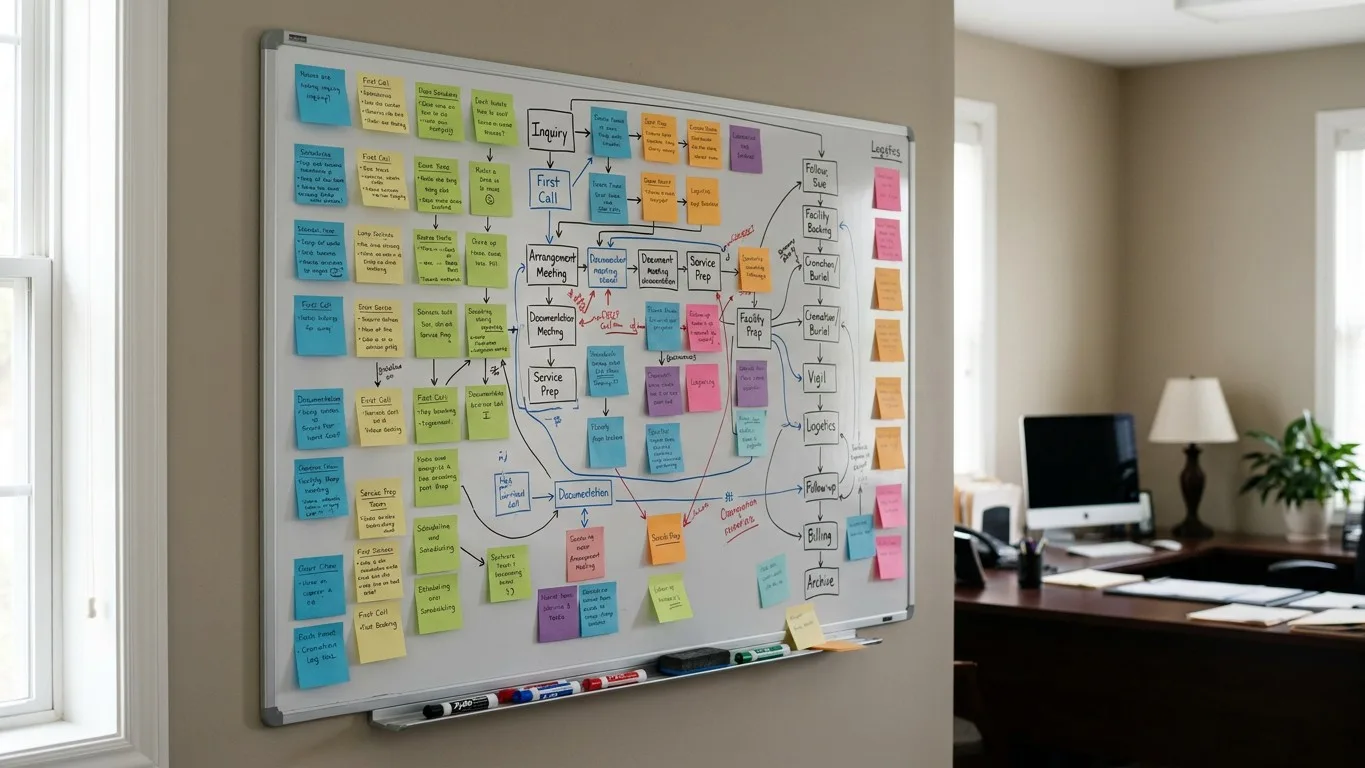
Choosing the right funeral home management software is a major decision that impacts every part of your operation, from the first call to your financial reporting. The best system does more than just store data; it becomes the operational backbone of your firm, reducing administrative burdens and giving your team more time to focus on serving families. This guide breaks down the essential criteria for evaluating software, helping you ask the right questions and find a platform that truly fits your funeral home.
Core Case Management and Workflow
The heart of any funeral home management software is its ability to handle case management. This is where your team will spend most of its time, so the workflow must be logical, comprehensive, and flexible. A robust system tracks every detail from the moment the phone rings until the case is closed, ensuring nothing is missed. It should mirror the natural flow of your work, not force you into a rigid, unfamiliar process.
Look for a system that provides a central dashboard for every active case, showing its current status at a glance. Directors and managers should be able to see which tasks are complete, what's pending, and who is responsible for the next step. This visibility is critical for managing multiple services simultaneously and ensuring a consistent standard of care. The software should allow you to create and assign tasks using custom checklists, reflecting the specific procedures of your funeral home. A well-designed digital case management system prevents the kind of administrative errors that can cause significant distress to families and financial strain on your business.
Consider how the software handles information entry. The goal should always be to enter a piece of information once and have it populate everywhere it's needed. When a director types the decedent’s name during the first call intake, that same entry should appear on the contract, the death certificate worksheet, the obituary, and any other relevant document. This single-entry model drastically reduces the risk of typos and inconsistencies that arise from re-typing data across different programs or paper forms. It also saves your staff countless hours, freeing them to focus on more meaningful work.
Contracts, Forms, and E-Signatures
Paperwork is an unavoidable and critical part of funeral service. Your management software should streamline this process, not complicate it. The best platforms come with a library of standard industry forms and, more importantly, allow you to create or upload your own custom documents. This includes your specific Statement of Funeral Goods and Services, cremation authorizations, and any other forms unique to your firm or state requirements.

The system should automatically merge case information directly into these documents. This automation eliminates the tedious and error-prone task of manually filling out forms. When it's time to generate a contract, the software should pull the decedent's information, the responsible party's details, and the selected goods and services directly from the case file. This ensures accuracy and consistency. Before choosing a vendor, ask how they handle state-specific forms and how easy it is to update them when regulations change. Always confirm local requirements, as regulations vary significantly.
In today's world, the ability to handle documents remotely is no longer a luxury; it's an expectation. Look for software with integrated e-signature capabilities. This allows you to send contracts and authorizations to families securely via email. They can review and sign on their own device, without needing to print, scan, or make an extra trip to your office. This is not only a major convenience for grieving families but also a significant workflow improvement for your team. It speeds up the arrangement process and ensures you have legally binding authorizations in hand faster.
Financial Management and Accounting Integration
Managing the financial side of a funeral home is complex, with unique revenue streams, trust accounts, and payment schedules. Your funeral home management software should have accounting tools built specifically for the death care profession, not just a generic small-business ledger. A good system provides a clear financial picture for each case, tracking all charges, payments, and outstanding balances.
At a minimum, the software should allow you to create detailed invoices, record payments from families and insurance companies, and generate financial reports. Look for a system with a built-in chart of accounts that you can customize to match your firm's structure. This allows you to track revenue from different sources—such as professional services, merchandise, and cash advance items—with precision. This level of detail is essential for understanding your firm's financial health and making informed business decisions.
Integration with dedicated accounting software is also a key consideration. While built-in tools are important for daily case-level management, most firms still rely on a primary accounting system like QuickBooks or Sage 50 for overall bookkeeping. The best funeral home software will sync seamlessly with QuickBooks Online, automatically pushing journal entries and eliminating the need for double entry. For firms using QuickBooks Desktop or other software, the system should provide a straightforward export/import process. This integration saves your bookkeeper or accountant significant time and reduces the chance of manual data entry errors.
Family-Facing Tools and Communication
Modern funeral service extends beyond the walls of your building. Families increasingly expect digital tools that provide convenience and clarity during a difficult time. The right software enhances the family experience by offering secure, easy-to-use online features. A key feature to look for is a branded family portal.
A family portal is a private, secure website where a family can log in to collaborate with your team. From here, they can fill out vital statistics forms, review and sign documents, view service details, and even help build the obituary. This self-service approach gives families a sense of control and allows them to complete tasks on their own schedule, often from the comfort of their home. For your team, it reduces the volume of phone calls and emails needed to gather information, freeing them up to provide more personal support.
The software should also connect directly to your public-facing funeral home website. When you create a case in your management system, the details should flow through to create a professional, dignified obituary page. This eliminates the need to re-enter information on a separate website platform. Look for a system that allows families to share memories and condolences directly on the obituary page and offers options for online flower stores or memorial contribution processing. These features not only serve families but can also create a new stream of revenue for your funeral home.
Security, Accessibility, and Data Ownership
Your funeral home holds some of the most sensitive information a family can share. Protecting that data is a profound responsibility. When evaluating software, security should be a top priority. Ask potential vendors detailed questions about their security practices. Where is the data stored? Is it encrypted both while in transit over the internet and while stored on their servers (at rest)? Who on their team has access to your data?
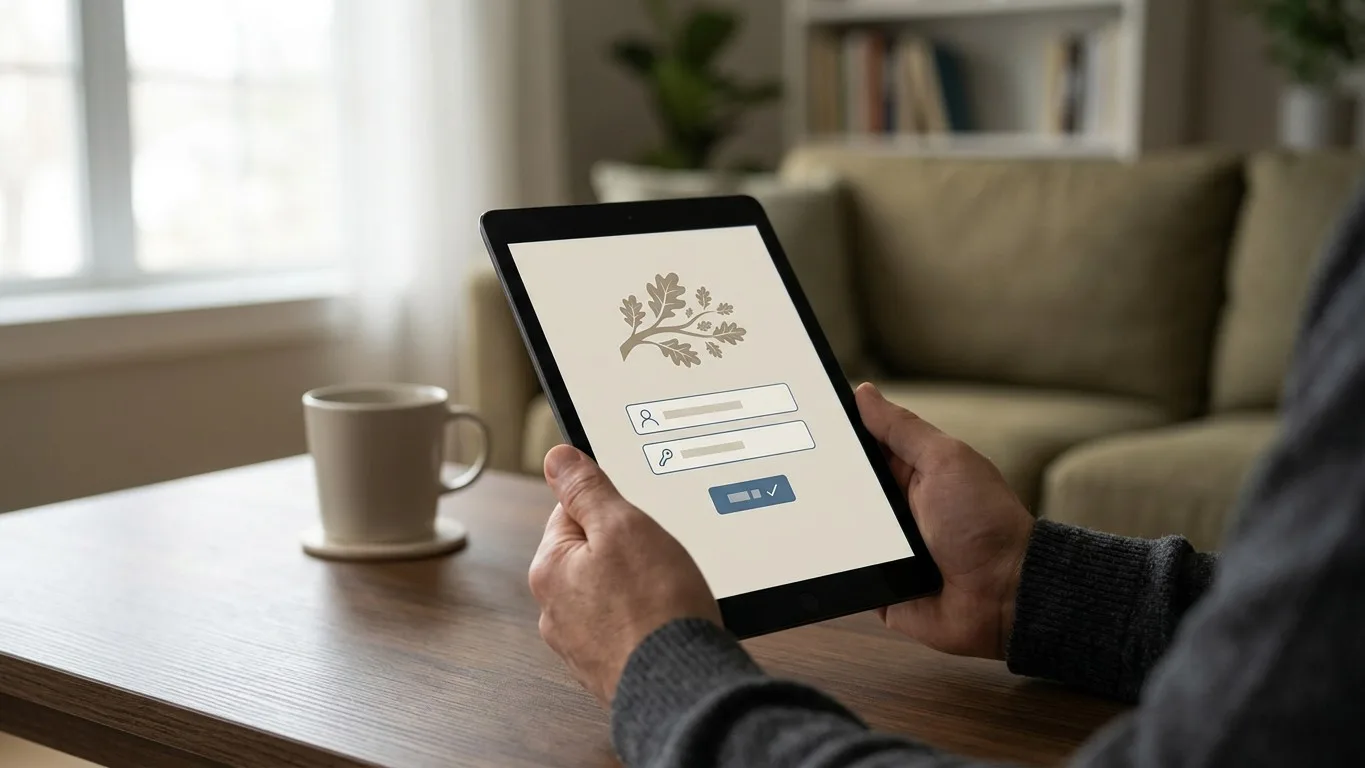
Modern, cloud-based software offers significant advantages in both security and accessibility. With a cloud system, you don't have to worry about maintaining a server in your back office, performing manual backups, or what would happen in case of a fire, flood, or hardware failure. The provider handles all of that, typically with a level of security and redundancy that would be difficult for an individual funeral home to achieve on its own. It also means your authorized staff can access the system securely from anywhere with an internet connection—be it the arrangement room, another location, or from home when on call. This flexibility is essential for today's mobile workforce.
Finally, be crystal clear on the issue of data ownership. The data you enter into the system—your case files, your family information, your financial records—belongs to you. Your contract with the software provider should state this explicitly. You should also have the ability to export your data in a standard format if you ever decide to switch providers. Avoid any vendor that makes it difficult or costly to retrieve your own information. This is a critical point that protects the long-term health and independence of your business.
Implementation, Support, and Vendor Partnership
The best software in the world is useless if your team doesn't know how to use it or if it isn't configured for your specific way of working. The transition to a new system is a significant operational project, and the vendor's implementation process is a key predictor of success. A good partner will take the time to understand your current workflows, from first call to aftercare, and help configure the software to match. They won't just hand you a login and a manual; they will guide you through setup, data migration, and team training.
Once you're up and running, ongoing support is just as important. When you have a question or run into an issue in the middle of an arrangement, you need to be able to reach someone who can help quickly. Ask vendors about their support hours and methods (phone, email, chat). Even better, ask if their support team has direct experience in funeral service. Someone who understands the difference between a committal and an interment will be able to resolve your issue much more effectively than a generic IT support agent.
Ultimately, you are not just buying a product; you are entering into a long-term partnership. Consider the vendor's background and vision. Are they an independent, family-owned company that understands the values of funeral service, or are they owned by a larger corporation with other priorities? Do they have a clear roadmap for future development, and does that roadmap align with the needs of firms like yours? Kindred, for example, was built by a family that has been in funeral service since 1885. That history informs every aspect of the software, from feature design to customer support. Choose a partner you trust to be accountable to you for years to come.
Finding the Right Fit for Your Firm
Choosing funeral home management software is a decision that will shape your firm's efficiency, accuracy, and ability to serve families for years. By focusing on core case management, document handling, financial tools, family experience, security, and the quality of the vendor partnership, you can move beyond feature checklists to find a system that truly supports your mission. Take your time, involve your team in the evaluation process, and ask for live demonstrations that walk through your real-world scenarios.
The right software should feel like a natural extension of your team—a quiet, reliable partner that handles the administrative details, allowing you to focus on what matters most: providing compassionate care to the families you serve. If you're looking for a platform built on a foundation of funeral service experience, we invite you to see how Kindred addresses these challenges. You can book a personal demo to see if our approach is the right fit for your firm.