
Running a funeral home involves juggling dozens of critical tasks for multiple families at once, where a single misplaced detail can cause significant distress. Funeral home software brings all your case management, documentation, accounting, and communication into one organized system. This centralization simplifies daily operations, reduces the risk of administrative errors, and gives your team more time to focus on serving families.
Centralizing Case Management: The Core of Your Operations
The lifecycle of a case, from the first call to final disposition, is the backbone of your funeral home. Without a central system, this process often relies on a patchwork of paper files, spreadsheets, and whiteboards. Information can get siloed, leading to confusion and redundant work. Funeral home software creates a single source of truth for every case, accessible to your entire team based on their roles.
The First Call and Initial Intake
When a first call comes in, information must be captured accurately and immediately. A staff member might jot down details on a paper form, which then needs to be manually transferred to a file or spreadsheet. This creates opportunities for transcription errors. Modern software allows you to enter first call details directly into the system, creating a new case file instantly. The information is clear, legible, and immediately available to the director who will be making the transfer and contacting the family.
Arrangement Conference and Service Planning
During the arrangement conference, you gather a vast amount of information, from vital statistics for the death certificate to the family’s wishes for the service. In a manual system, a director might take handwritten notes that are later typed up. This is time-consuming and risks misinterpreting the notes. With integrated software, you can enter details directly into the case file during the meeting. Some platforms, like Kindred, even offer AI tools that can transcribe the audio of an arrangement meeting and summarize key decisions, which the director can review and confirm. This ensures every detail is captured accurately without distracting from the conversation with the family.
Task Management and Internal Coordination
A single service requires dozens of coordinated tasks: scheduling staff, reserving vehicles, ordering merchandise, coordinating with clergy and cemeteries, and preparing the facilities. On a whiteboard, it's easy for a task to be missed or for two events to be accidentally double-booked. A digital case management system includes checklists and scheduling tools. You can create standardized task lists for different service types (e.g., traditional burial vs. direct cremation) and assign them to specific team members. Everyone can see what needs to be done, who is responsible, and when it's due, providing a clear view of the day's and week's activities.
Streamlining Paperwork and Documentation
The administrative burden of paperwork is one of the biggest challenges in funeral service. Each case generates a mountain of documents, from contracts and authorizations to permits and death certificates. Managing this on paper is inefficient and prone to error. Funeral home software automates much of this process, ensuring accuracy and consistency.

Automating Form Generation
Think about how many times you type the decedent's name, date of birth, or Social Security number. Each time is another chance for a typo. Software with robust form generation capabilities solves this problem. You enter the information once into the case file, and the system automatically populates it across all relevant documents: the Statement of Funeral Goods and Services, authorization forms, cremation paperwork, and even state-specific permits. This not only saves hours of tedious work but also dramatically reduces the risk of costly errors. For a deeper look at how to structure these processes, our guide to building more efficient funeral home workflows offers practical strategies.
Securing Remote E-Signatures
In the past, getting a signature meant the family had to be physically present, or you had to rely on cumbersome print-scan-email cycles. This adds delay and inconvenience, especially for family members who live out of town. Modern funeral home software integrates e-signature capabilities. You can send contracts and authorizations directly to the family’s email. They can review and sign the documents securely from their own computer or phone. The signed document is automatically saved back to the case file in your system, creating a clear and legally recognized record without the administrative hassle.
Ensuring Compliance and Consistency
Regulations for funeral service vary by state and can change over time. Using outdated paper forms is a compliance risk. Good software vendors keep their form libraries up to date with current requirements. You can also create your own custom forms to match your funeral home’s specific procedures. This ensures that every director is using the correct, most current version of every document, providing consistency across your entire operation. As always, it is essential to confirm all forms and procedures with your local regulatory bodies.
Improving Financial Accuracy and Cash Flow
Managing the financial side of a funeral home is complex. You’re not just selling products; you’re managing service fees, cash advance items, and often, insurance assignments or pre-need funds. Disconnected systems for contracts and accounting create duplicate work and increase the likelihood of financial errors.
Integrated Invoicing and Payments
When your contract system is separate from your accounting ledger, someone has to manually re-enter every line item from the Statement of Funeral Goods and Services to create an invoice. Funeral home software with built-in accounting eliminates this step. As you build the contract with the family, the system is simultaneously building the invoice. When the family makes a payment, it’s recorded directly against that case. This creates a clear, real-time picture of the account balance without any duplicate data entry.
Simplifying Accounts Receivable
Chasing down payments is a drain on your time and can create awkward conversations with grieving families. Software can help by making it easier for families to pay. Many platforms integrate with payment processors to allow for online credit card payments. You can send a payment link via email or include it in a secure family portal. This convenience often leads to faster payments, improving your funeral home’s cash flow. The system can also generate accounts receivable reports, showing you at a glance which accounts are overdue so you can follow up systematically.
Accurate Financial Reporting
How profitable was last quarter? Which services are generating the most revenue? Answering these questions is difficult with a paper ledger or basic spreadsheet. Integrated accounting provides powerful reporting tools. You can generate profit and loss statements, sales analysis reports, and other key financial documents with a few clicks. For firms that already have a trusted accountant using software like QuickBooks, many platforms, including Kindred, can sync data with QuickBooks Online or provide exports for QuickBooks Desktop, ensuring your financial data is accurate everywhere.
Enhancing Team and Family Communication
Clear, timely communication is the hallmark of excellent service, but it's hard to achieve when information is scattered. A centralized software platform acts as a communication hub, ensuring everyone—both on your team and in the family—has the correct information when they need it.
Internal Collaboration and Scheduling
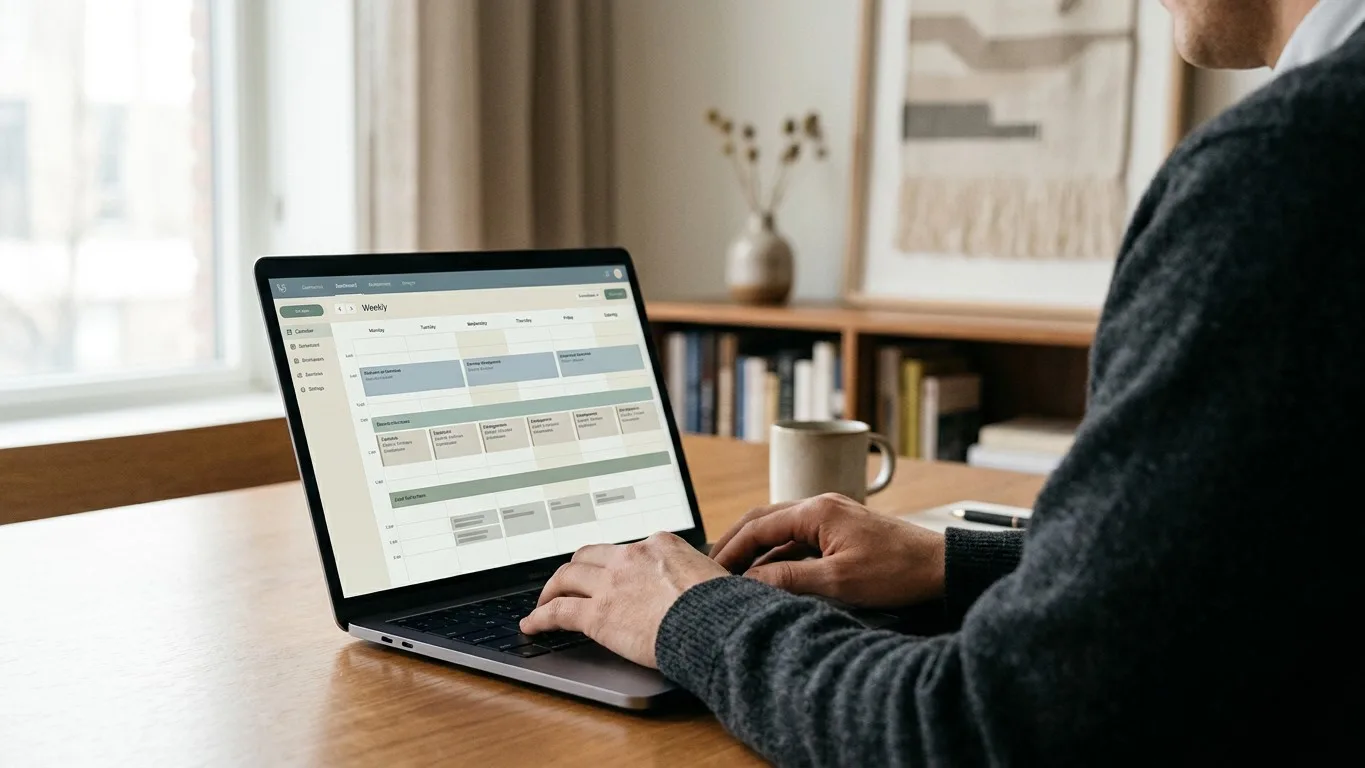
Imagine a director is out on a removal and needs to confirm service details. Instead of calling the office and having someone hunt for a paper file, they can pull up the case on their phone or tablet and see all the latest notes and schedules. Funeral home software provides a central calendar for services, viewings, and even vehicle and staff assignments. This visibility prevents conflicts and ensures smooth handoffs between team members. Everyone is working from the same playbook, which reduces stress and allows the team to operate with quiet confidence.
A Secure Portal for Families
Fielding constant phone calls from family members asking for updates or needing to submit information can consume a significant part of your day. A family portal provides a secure, branded online space where families can self-serve. Here, they can fill out vital statistics forms, collaborate on the obituary, upload photos for a memorial video, and view key documents. This not only saves your staff time but also gives families a sense of control and involvement in the process. It allows them to contribute when it's convenient for them, often from the comfort of their own home, which is a great comfort during a difficult time.
Automating Repetitive Work with Modern Tools
The goal of technology in a funeral home should be to handle the administrative burdens so your staff can dedicate their energy to compassionate care. Modern software increasingly includes tools designed to automate routine tasks, turning hours of work into minutes.
Drafting Obituaries and Eulogies
Writing an obituary is a deeply personal task, but getting started can be difficult for families. AI tools built into some funeral home software can help. By using the information already in the case file—such as names, dates, and relationships—the AI can generate a well-structured draft obituary. The family can then edit and personalize it, but the tool provides a solid starting point, which can be a great relief. This same technology can assist directors in drafting eulogies or other service-related text, ensuring a consistent tone and quality.
Creating Memorial Videos and Print Materials
Creating memorial videos and printed items like service programs and prayer cards is a standard part of modern funeral service, but it can be very time-consuming. Software like Kindred includes a Media Designer that pulls the decedent’s information and photos directly from the case file into professional templates. You can quickly create beautiful, personalized memorial materials without needing graphic design skills. For memorial videos, you can start a project with a few clicks, and families can even be invited to upload and arrange photos directly through their family portal. The finished product is a professional tribute that can be created with a fraction of the manual effort.
Managing Multi-Location Firms with Consistency
For funeral home groups with more than one location, maintaining consistency and oversight is a major challenge. Each rooftop might develop its own way of doing things, leading to brand dilution and operational inefficiencies. Cloud-based funeral home software is an ideal solution for managing a multi-location enterprise.
Centralized Reporting and Oversight
An owner or general manager needs a high-level view of the entire organization. With a central software system, you can run consolidated financial reports, compare case volumes between locations, and analyze sales trends across the whole company. This data is critical for making informed business decisions. At the same time, you can drill down into the performance of a single location or even a single case file, giving you both macro and micro visibility.
Standardized Processes and Brand Control
With a single software platform, you can enforce standardized procedures across all your locations. You can use the same contract templates, price lists, and internal checklists everywhere, ensuring that every family receives the same high standard of care, no matter which of your funeral homes they walk into. Role-based permissions allow you to control who can see and do what. For example, a director at one location won't be able to see the case files for another unless you grant them permission, ensuring data privacy while maintaining central control.
Conclusion: More Time for What Matters Most
Adopting modern funeral home software isn't about replacing the human touch that defines your profession. It's about supporting it. By centralizing case management, automating paperwork, streamlining financials, and improving communication, the right software clears away the administrative clutter. It gives you and your team the most valuable resource of all: time. Time to sit with a family without feeling rushed. Time to perfect the details of a service. And time to provide the compassionate, personal care that families will remember for years to come. For more on selecting the right platform, see our buyer's guide on what to look for in funeral home management software.
If you're ready to see how a truly integrated system can simplify your daily operations, we invite you to book a demonstration of Kindred. We’d be happy to show you how our platform helps funeral professionals like you focus on what you do best.